 By Omar Haddad
Auto
Change a Flat Tire Safely, Step by Step
5 steps40 min Beginner
By Daniel Reyes
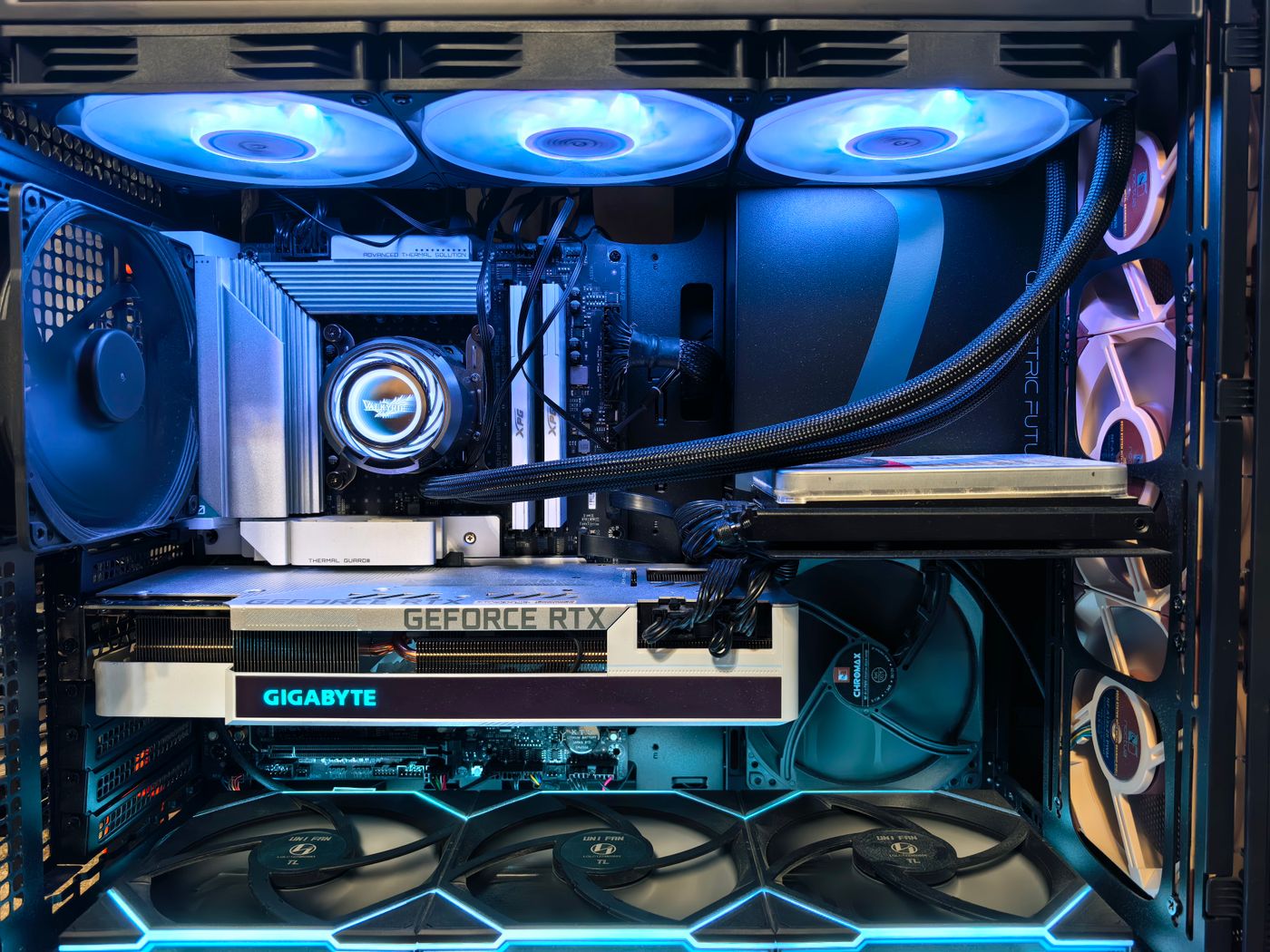
Assemble a complete desktop from parts: install the processor, memory, graphics card and cables, then power on with confidence. Written for first-timers, with the mistakes everyone makes flagged before you make them.
Log in to keep your progress across devices.
1 Step 1
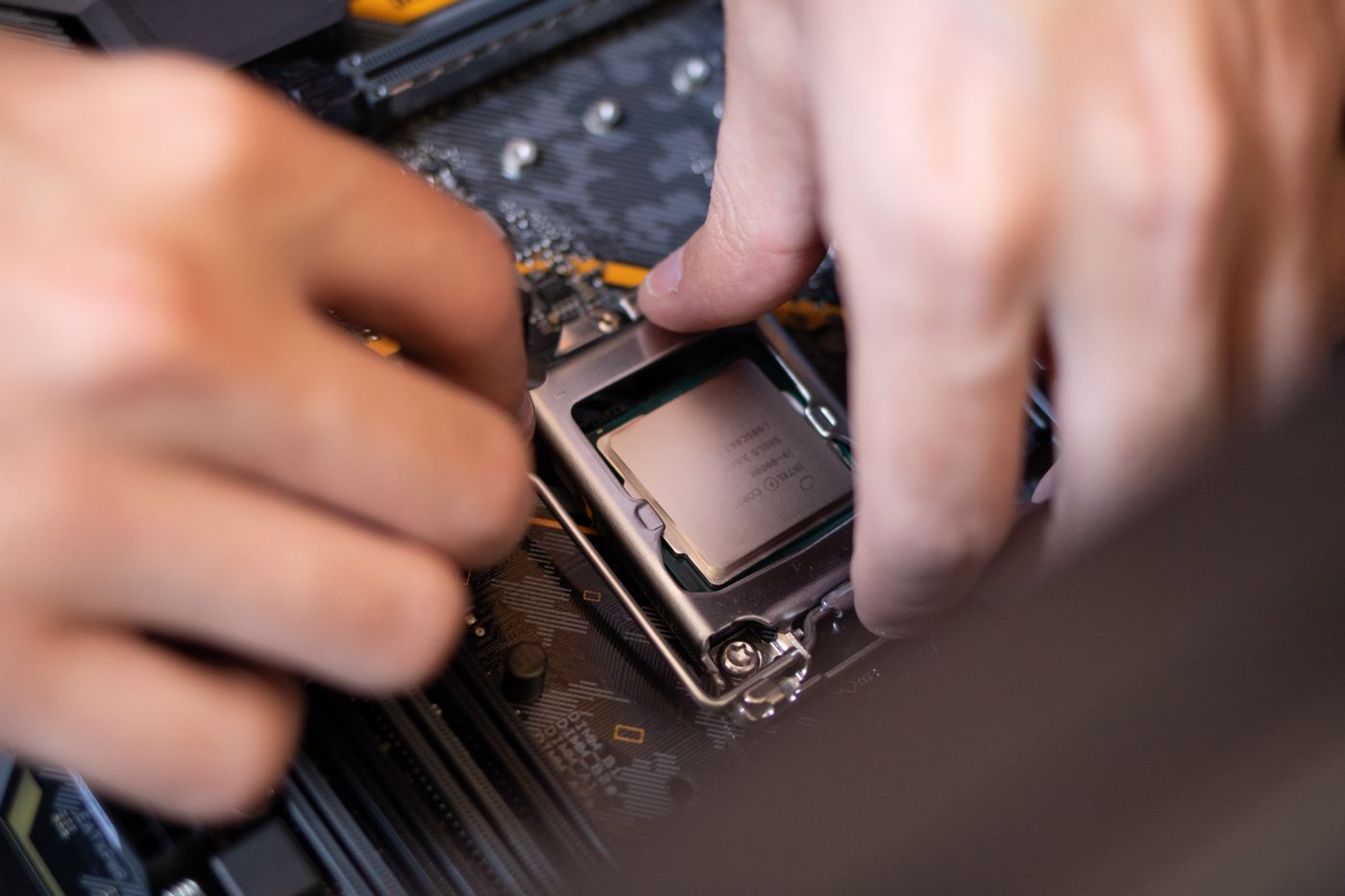
Work on the motherboard box, not inside the case. Lift the socket lever, line up the small triangle on the corner of the CPU with the triangle on the socket, and lower it in without any pressure. It should drop in under its own weight. Close the lever; it takes firm but smooth pressure.
Pro tip: Never touch the gold pins or contacts. If the CPU does not drop in flat, it is rotated wrong. Do not force it.
2 Step 2
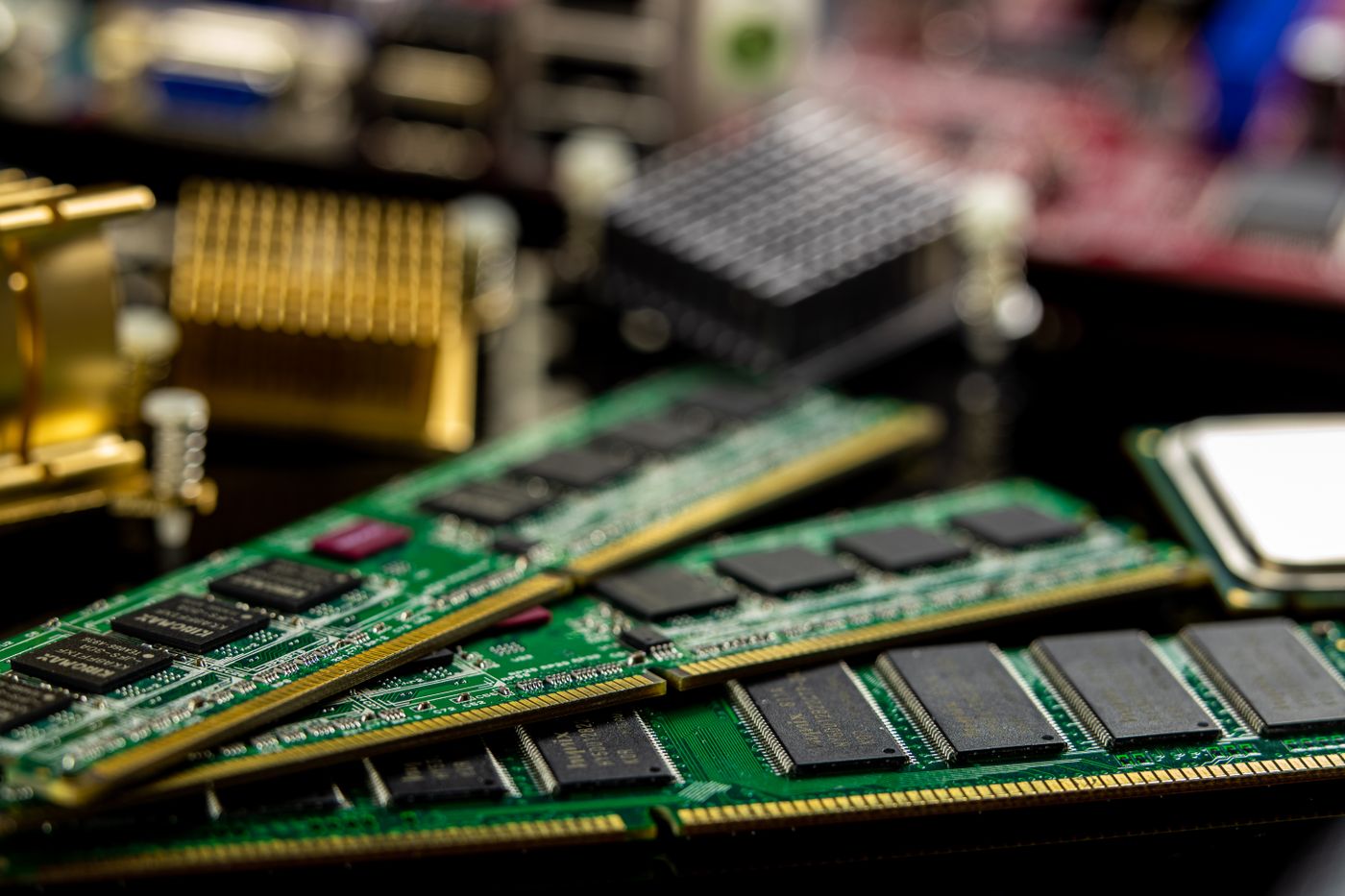
Open the clips at the ends of the memory slots. For two sticks, use the slots your motherboard manual recommends (usually slots 2 and 4) so they run in dual channel. Line up the notch, push down evenly on both ends until both clips snap shut with an audible click.
Pro tip: If it takes real force you are probably misaligned. A correctly seated stick needs a firm press, not a fight.
3 Step 3
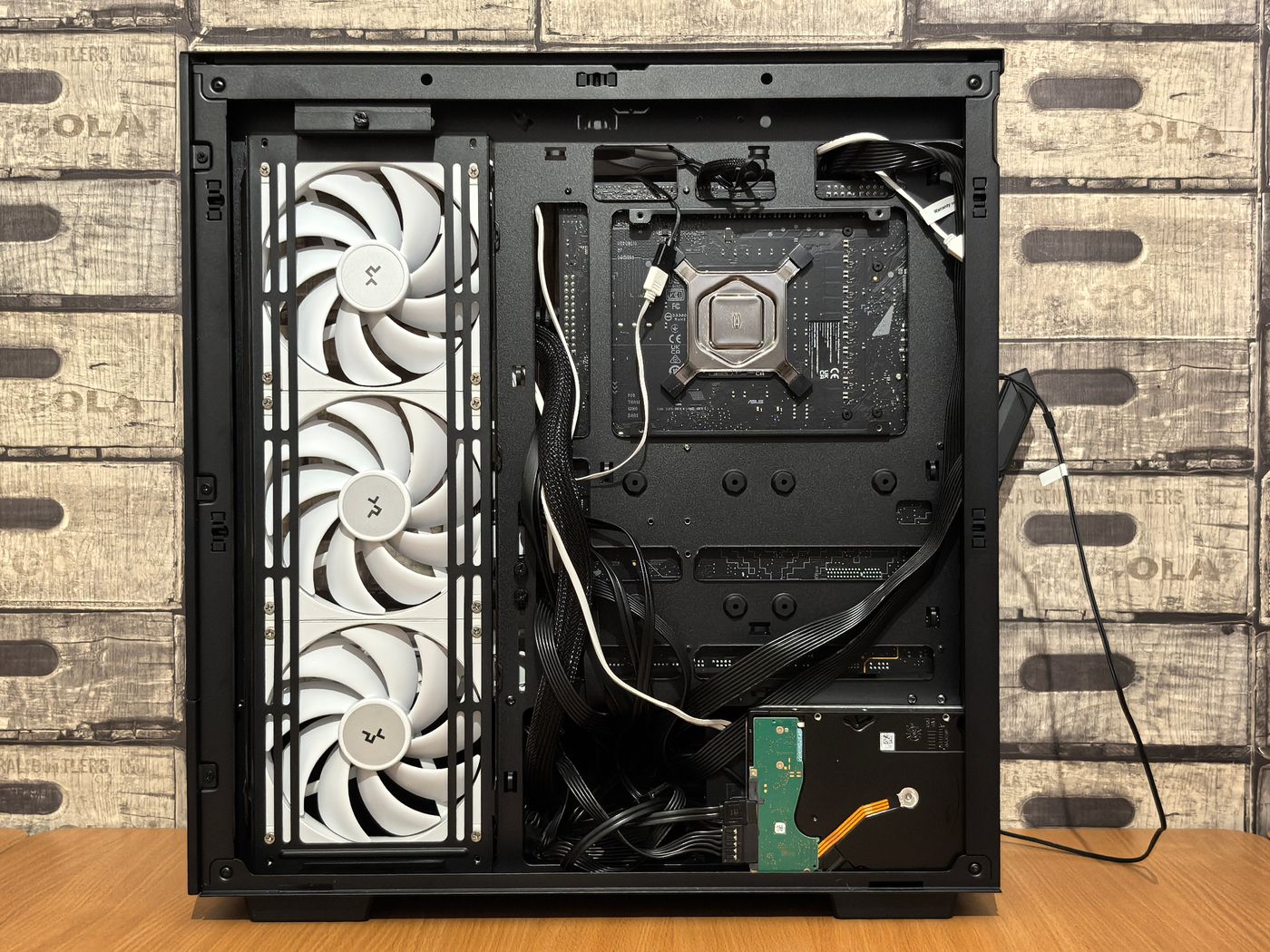
Fit the I/O shield, then lower the board onto the brass standoffs in the case. Fasten every screw hand-tight in a cross pattern. Route the power cables behind the motherboard tray before you plug anything in, because it is far easier now than when the case is full.
Pro tip: Take a phone photo of the case before you start. You will thank yourself when matching front-panel connectors.
4 Step 4
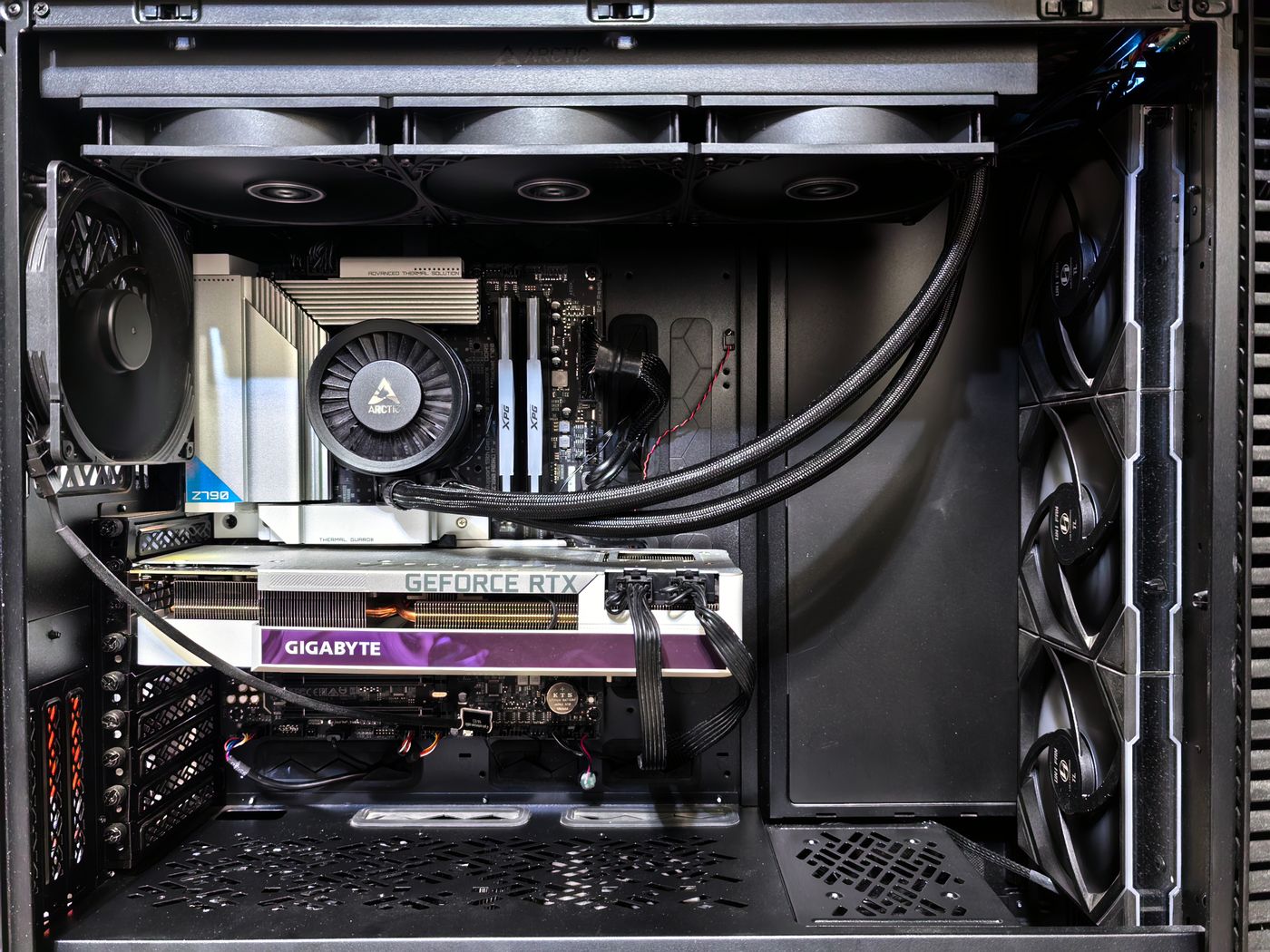
Remove the rear slot covers that line up with the top PCIe slot. Push the card straight in until the slot latch clicks, then screw it to the case bracket. Connect the dedicated PCIe power cables from the power supply, pushing until their clips lock.
Pro tip: Use separate power cables for each GPU connector rather than one daisy-chained cable on high-end cards.
5 Step 5
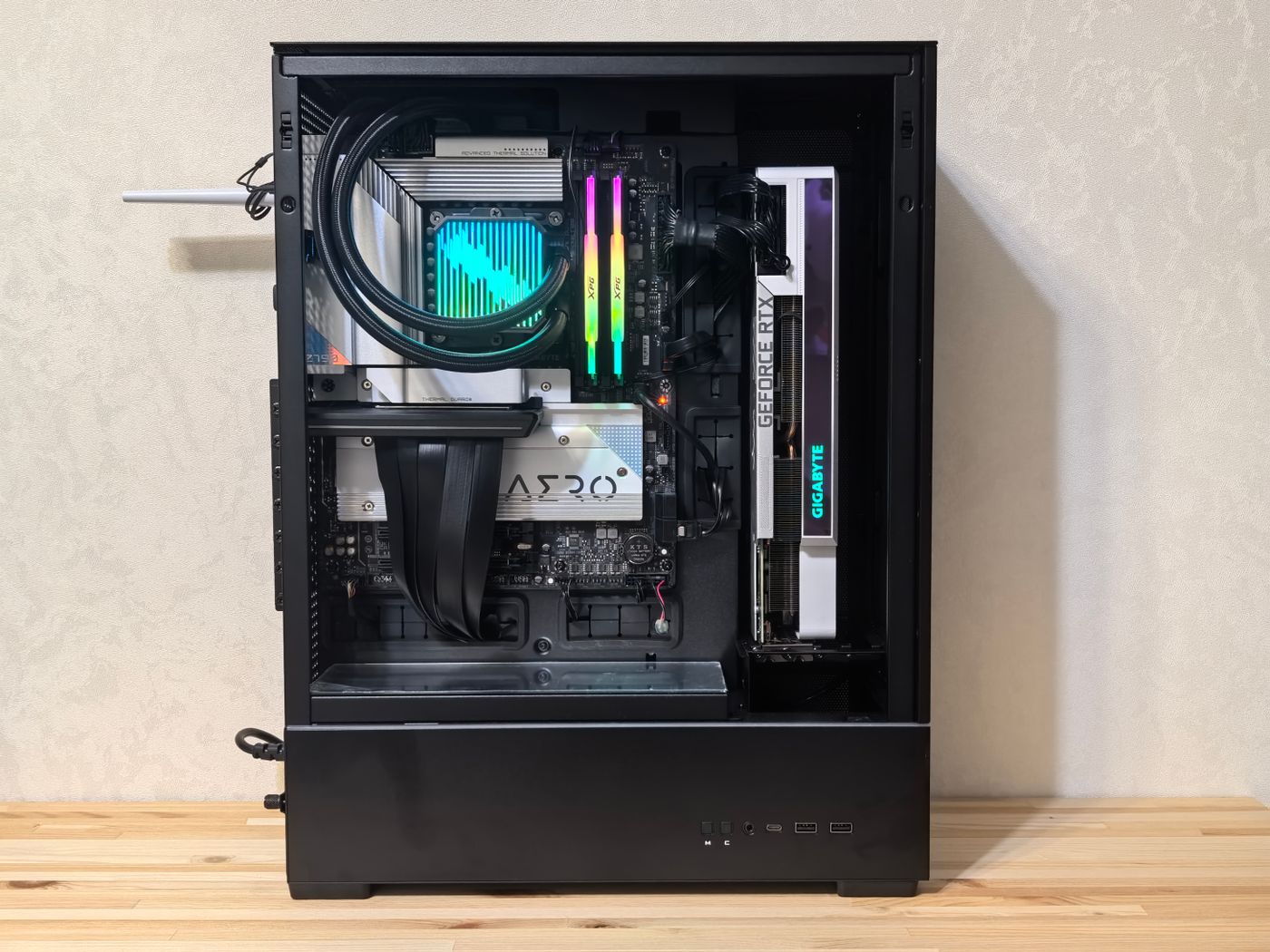
Group cables with zip ties so nothing touches the fans, close the case, plug in a monitor to the graphics card (not the motherboard), and press power. If the fans spin and the BIOS screen appears, congratulations. Install your operating system from a USB stick and update your drivers.
Pro tip: No display? Re-seat the memory and check the monitor cable is in the graphics card. These two cause most first-boot panics.
Something wrong with this tutorial?
Log in and finish the steps to leave a review.
Loading reviews…
Omar Haddad
Renovation contractor & PC building hobbyist
More tutorials related to this topic